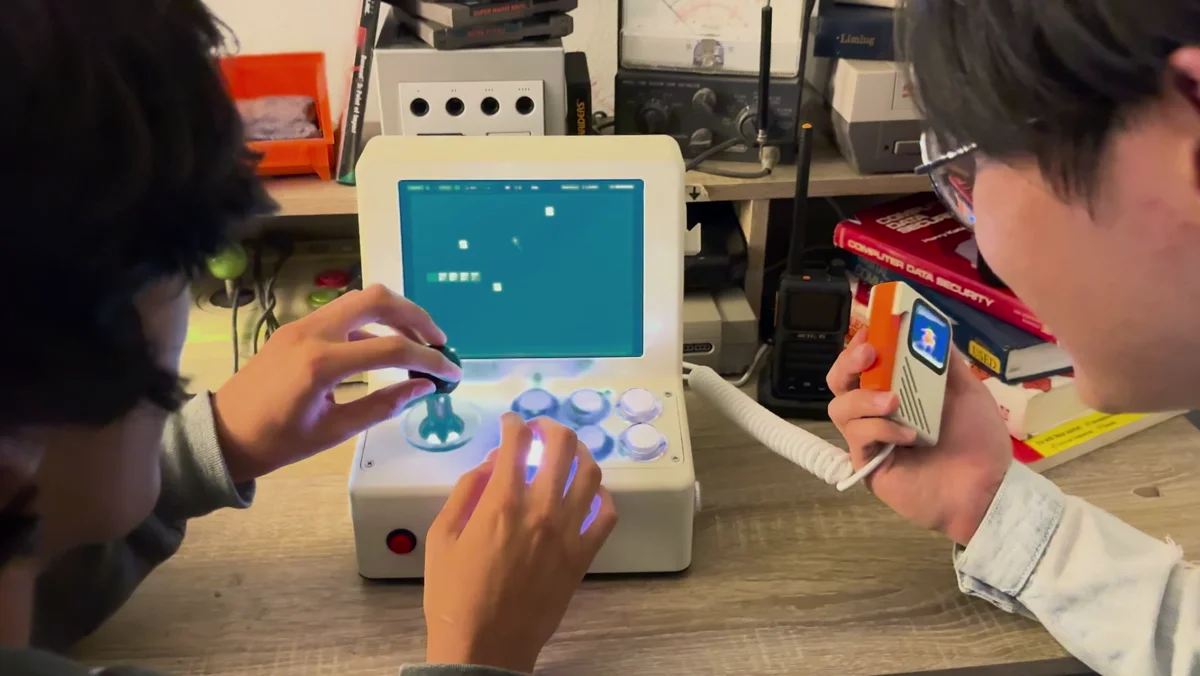
Make games by talking. Keep shaping them as you play.
Building your first game_
with VibeConsole
01
Describe your game
Pick up the vibe controller and tell your AI builder what you want to play. Need ideas? Ask it for suggestions.
“Make a space game where I dodge asteroids.”
02
Take the controls
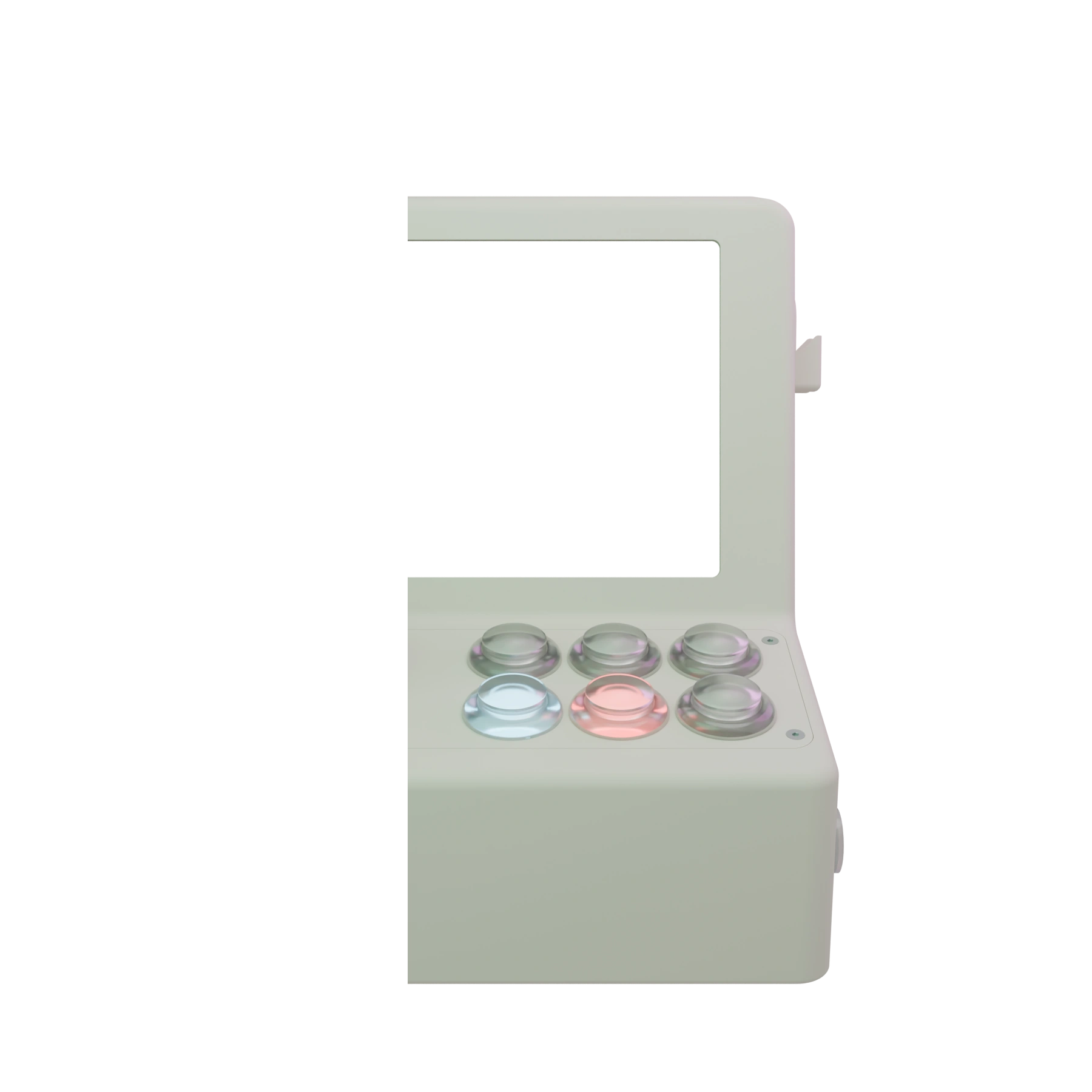
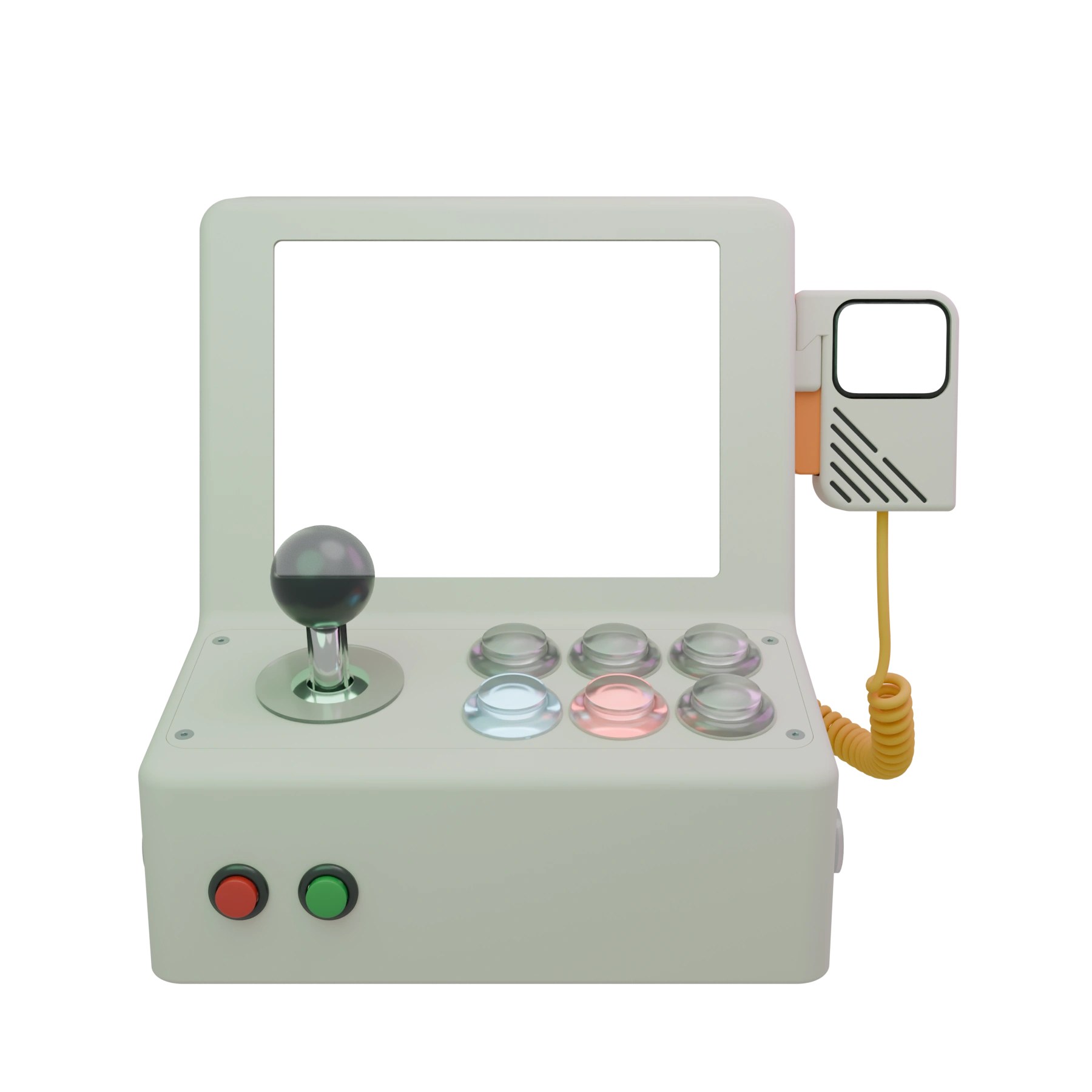
Play with a real joystick and arcade buttons, or use the tilt or acceleration sensor on the vibe controller. Save your game to play again or share it online.
03
Keep what you like, change what you don't
Keep the conversation going. Change the world, add a challenge, or try a new idea.
“Add a shield and make the asteroids faster.”
Try the game they built!_
"Make me a brick breaker game, but I'm the brick."_"Make it 2 player."_"Instead of placing bricks. Make it a snake game, but the snake is made of bricks."_"And make the snake be able to eat the ball."_"And if the ball hits an apple, I should get special powers."_"Hitting the snake should also give special powers, just at a reduced chance."_"Give the snake a way to speed up and slow down, but speeding up reduces body length."_"Give paddle 2 more lives."_"The snake can lose at most 3 bricks per hit, unless it's a headshot, which can break 5."_"Make only the front half of the snake's head be able to eat balls."_"Reset ball speed when respawning."_"Add rare golden apples which briefly halves paddle's length when eaten, but fills the bottom when a ball hits it."_"Make the snake able to eat power-ups, which count as normal apples."_"Share it online."_
Make me a brick breaker game, but I'm the brick.
Make it 2 player.
Instead of placing bricks. Make it a snake game, but the snake is made of bricks.
And make the snake be able to eat the ball.
And if the ball hits an apple, I should get special powers.
Hitting the snake should also give special powers, just at a reduced chance.
Give the snake a way to speed up and slow down, but speeding up reduces body length.
Give paddle 2 more lives.
The snake can lose at most 3 bricks per hit, unless it's a headshot, which can break 5.
Make only the front half of the snake's head be able to eat balls.
Reset ball speed when respawning.
Add rare golden apples which briefly halves paddle's length when eaten, but fills the bottom when a ball hits it.
Make the snake able to eat power-ups, which count as normal apples.
Share it online.
WASDJDashUKSlowIOL←→
Meet your _
Controls that follow the game. A whole community to play with.
Night Drive2 buttons
The right buttons light up in response to the game. A simple game might need just one; another might use the whole deck.
Browse games made by other players, and play in local or online multiplayer mode.
Made something worth sharing? Publish your game to VibeConsole Online so other players can discover it, play it, and chase your high score.
Meet your _
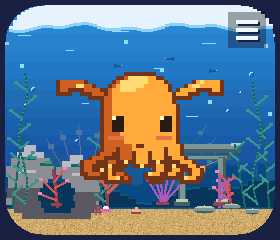
Dumbo is your private AI Companion living in your vibe controller!
Ask Dumbo anything, talk through an idea, or just have a chat. When inspiration strikes, turn that conversation into a game and keep shaping it together.
“What should we make today? Maybe a space game where I dodge asteroids.”
Ask Dumbo to join your game or take the controls for you. Watch it pick up a controller and get into the action.
“Play this one with me!”
The vibe controller has motion controls, too. Tilt it to steer, balance, or roll through a game.
Join the launch list for news about availability and what comes next. You’re signing up for product news and launch updates.
What are the hardware specifications?+
We’re still refining the hardware. Final specifications will be shared closer to launch.
Can I play on my TV?+
Yes. Connect VibeConsole to your TV using its HDMI output to play on a bigger screen.
Can I connect my other consoles?+
Yes. You can plug your other consoles into VibeConsole and use its display. The screen has a 3:4 aspect ratio, which can be a good fit for some retro consoles.
Can I use my own controllers?+
Yes. You can connect your own controllers to VibeConsole and use them to play your games.
What are VibeConsole, the vibe controller, and Dumbo?+
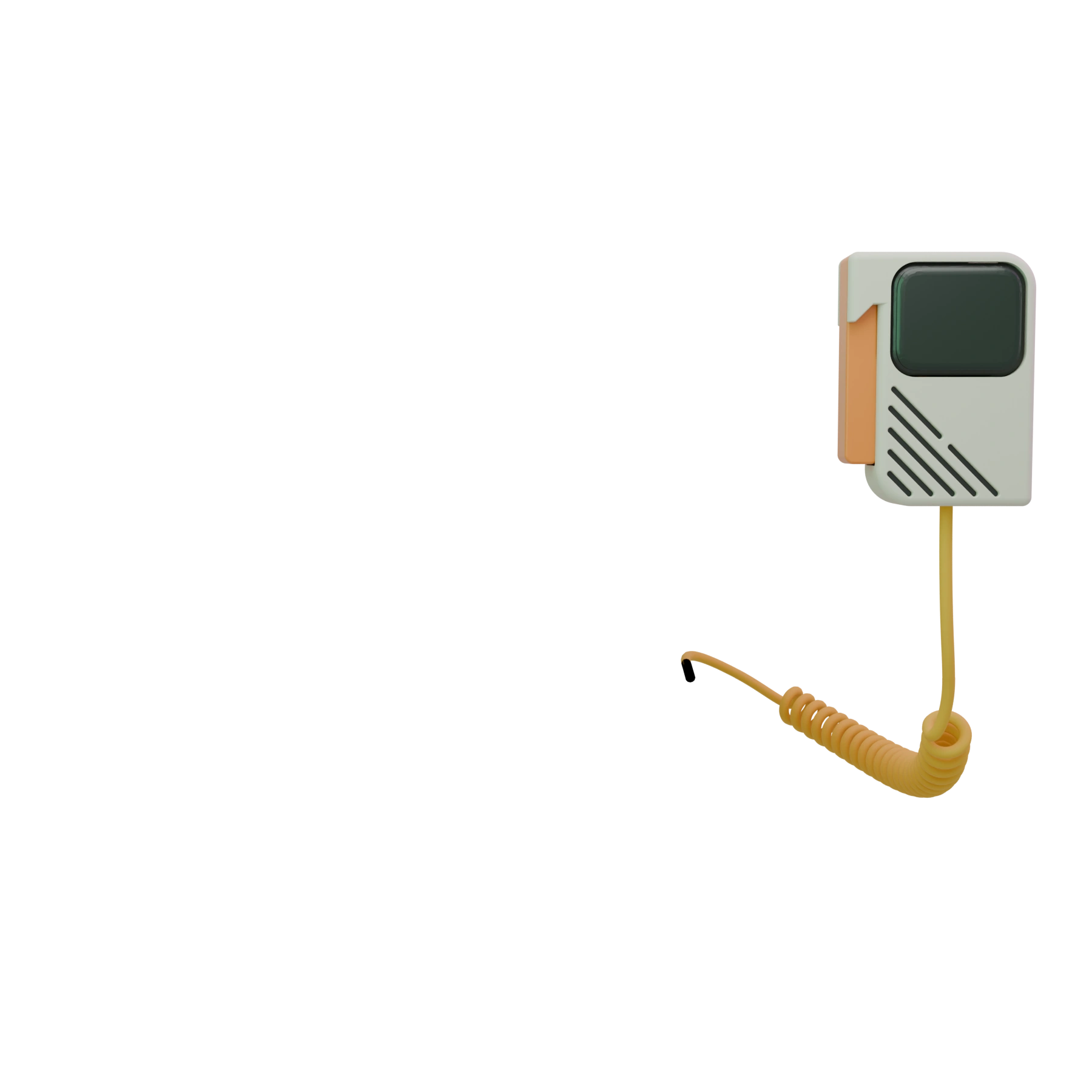
VibeConsole is the countertop arcade. The vibe controller is the handheld controller, with its own microphone, screen, and motion controls. Dumbo is the AI Companion character you see on that screen.
What do I need to use the AI features?+
VibeConsole uses OpenCode as its game-building agent. Connect a supported AI subscription or your own API keys to build and refine your games. Provider limits and charges may apply. Local voice processing requires installing voice models; cloud voice is optional.
Can my Companion play with me?+
Yes, in games built for AI play. AI player support requires a compatible game and an OpenRouter key.
Can I save and share my games?+
Keep your creations in your library, restore earlier versions, or export them as HTML. Publish to VibeConsole Online to share with the community and discover games from other makers.
For makers: software & AI+
Choose your AI builder
Use OpenCode or the built-in AI agent to build, test, and refine your games.
Connect AI your way
Use your ChatGPT subscription or bring your own API keys and choose your models.
Keep voice processing local
Local speech recognition with sherpa-onnx and voice synthesis with Piper. Cloud voice is optional.
Export and experiment
Export games as HTML, explore new ideas, and restore earlier versions from your game’s history.
Be there for the first play_
Get notified when VibeConsole ships, plus product news and updates along the way.